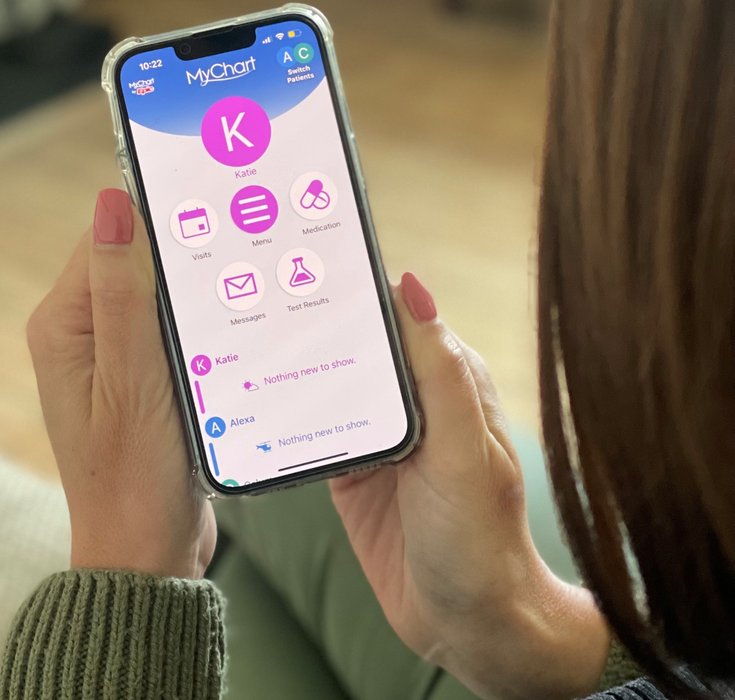

You can view details of your hospital appointment in MyChart, your appointment letter or, for some appointments, the NHS App.
View your appointment in MyChart
MyChart is the patient portal for Addenbrooke’s and the Rosie hospitals. You can use it to securely access parts of your hospital health record, including information about your appointments.
View your appointment in the NHS App
Outpatient appointments at Addenbrooke’s and the Rosie are being added to the NHS App through a phased rollout.
If your appointment is available, you can find it under Upcoming and past appointments. The information may include:
- the clinical specialty
- the date and time
- the location or type of appointment
You can continue to use MyChart directly if you prefer.
Appointment letters
We may also send you a postal appointment letter or appointment card. Keep this safe as it should include information about where to go and how to contact the clinic.
If your appointment information shows different locations, check MyChart for the most up-to-date information.
If you cannot find your appointment
If you cannot find your appointment details, use the contact information on your appointment letter or card.
If you have misplaced it, you can use our clinic A-Z to find contact details for your clinic.
Appointment location
Your appointment letter, MyChart or the NHS App will tell you where your appointment is taking place. Some appointments may be held at a Community Diagnostic Centre or another location.
MyChart
Sign-up to MyChart